Turn your documents into videos your team will actually finish.
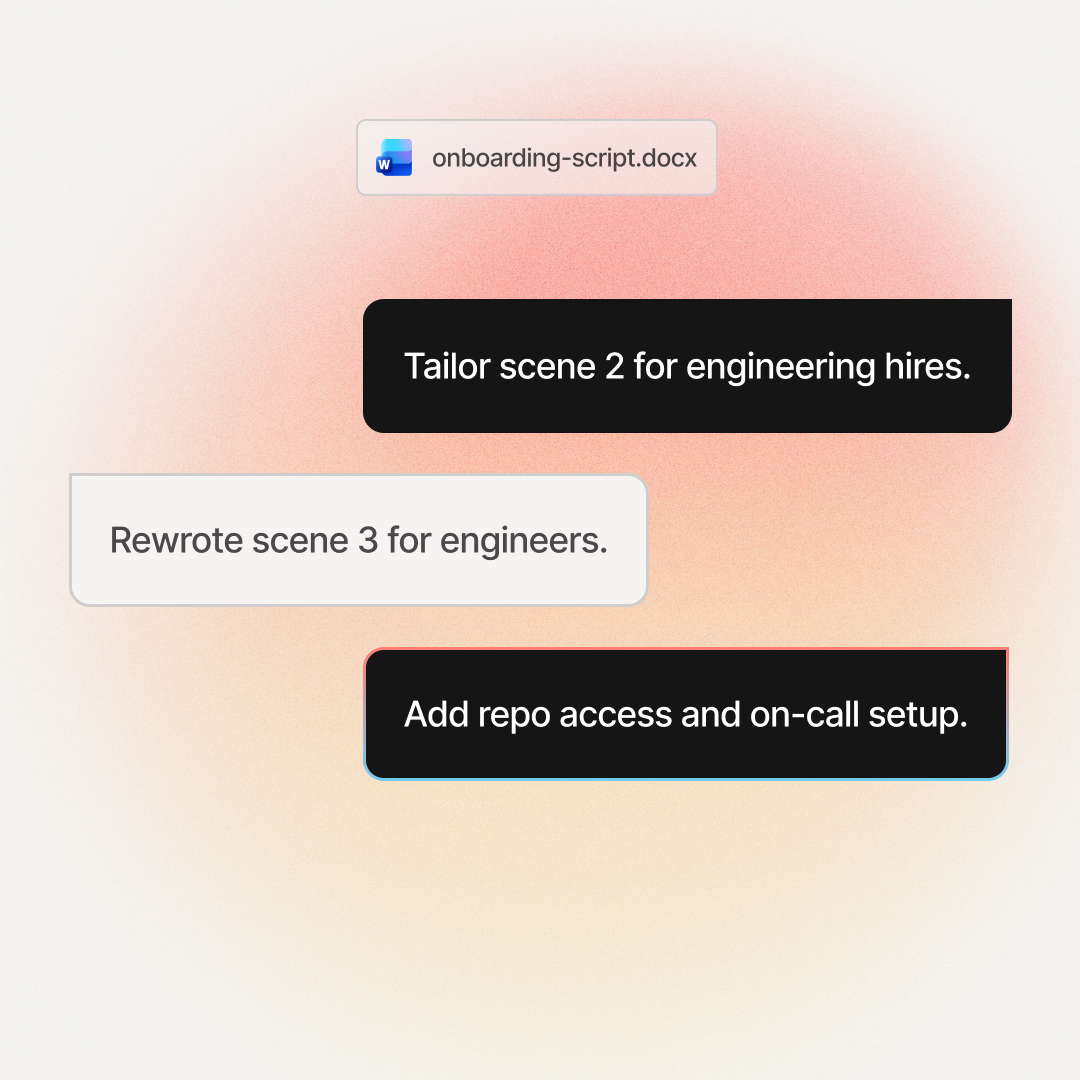
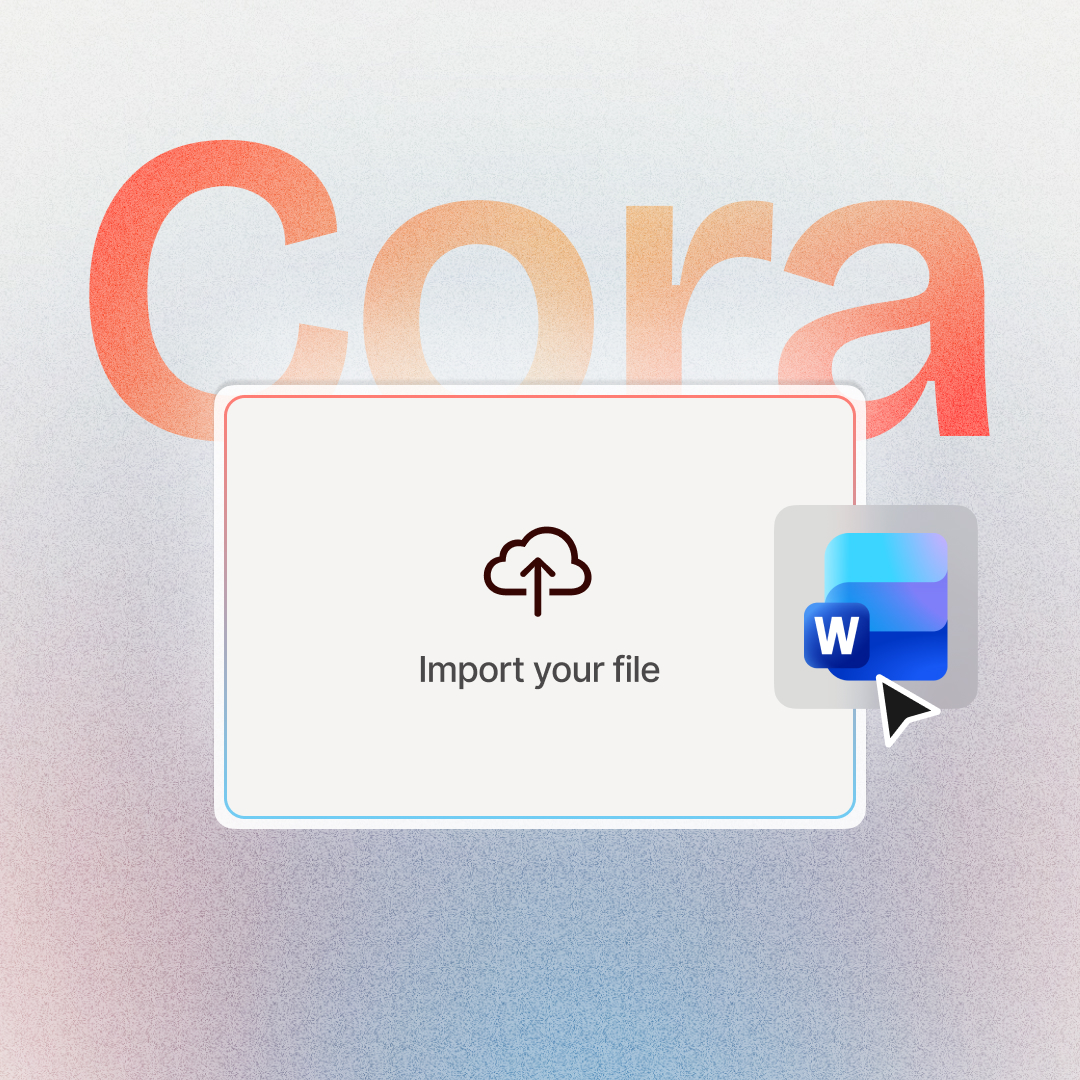
Drop in a Word doc, PDF, PowerPoint, Google Doc, Notion export, or SharePoint page. The agent drafts a scene-by-scene plan with citations back to the source section. Approve every scene before render.




- Awareness
- Equipment
- Reporting
 Workplace Safety Manual.docx
Three things go wrong when a tool just renders your document.
Diagrams, tables, and images embedded in your doc get dropped or swapped for generic stock footage. Your team sees something different than what you wrote.
Section 4.2 becomes "the policy". Form 27-B becomes "the form". The exact references your team needs to act on get sanded down to generic phrasing.
Render is the only reviewable output. Find a typo, change the policy, rebuild from scratch.
Cut on video production costs (Mentor Group, on G2)
Languages supported with lip-synced delivery
AI avatars to deliver your document content
Document read aloud vs document directed.
Same source. Different relationship with the output.
Any document. Any format. Training-ready.
If your source has text, structure, or both, Cora reads it.
Not sure if your source fits? Drop it in. Cora flags what it can't read before drafting starts.
Documents teams already turned into training video.
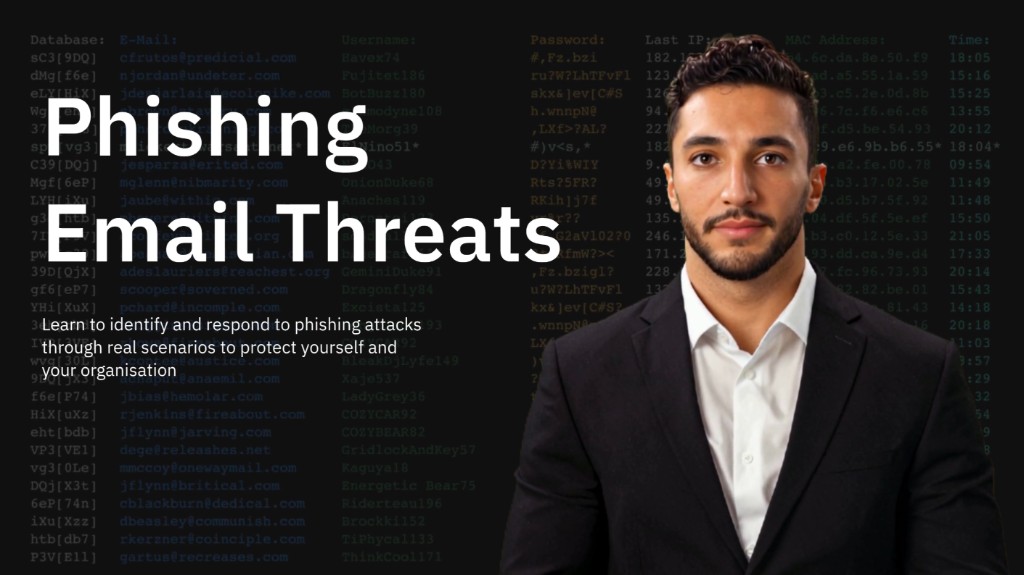
Onboarding, security, healthcare, compliance. Four real outputs.
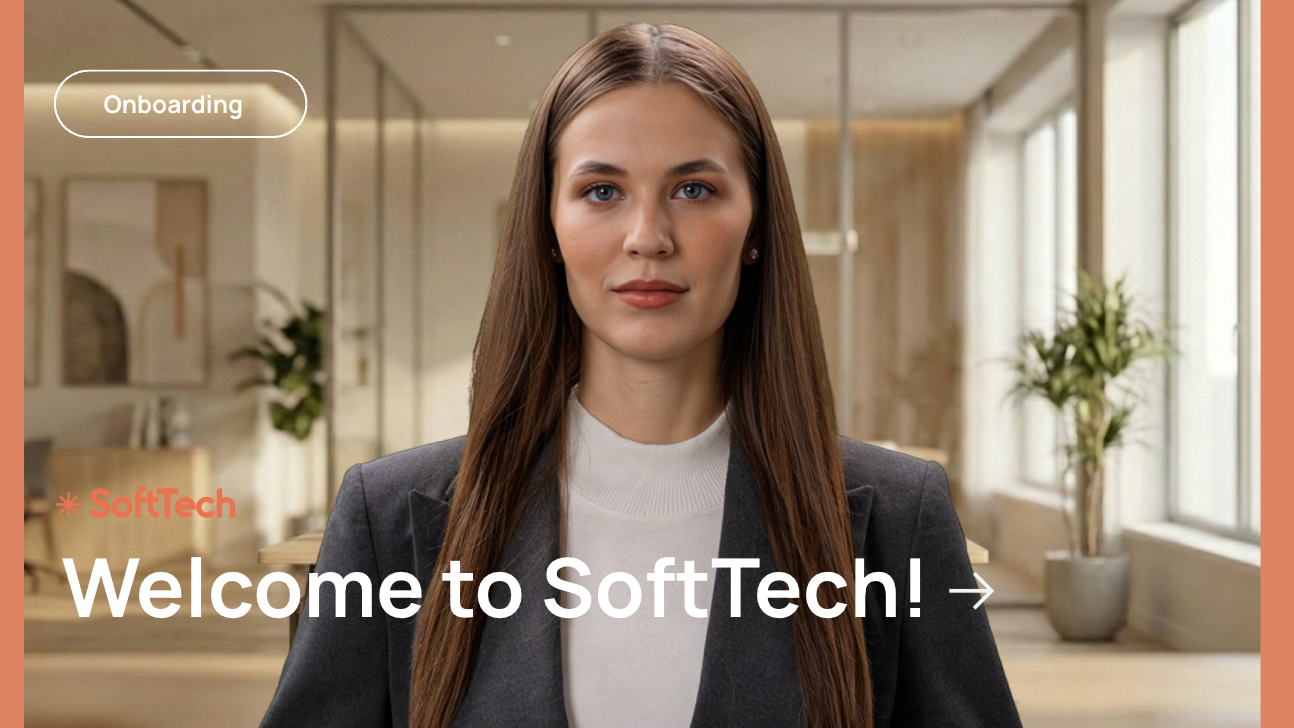


Pick who delivers your document video.
Every plan renders with the avatar you choose. Browse 240+ AI presenters, clone your voice, or create a custom avatar of yourself.
From document to editable scene plan in minutes.
Six capabilities, built around your document.
Doc-aware extraction. Source citations. Approval before render.
Structure-aware extraction
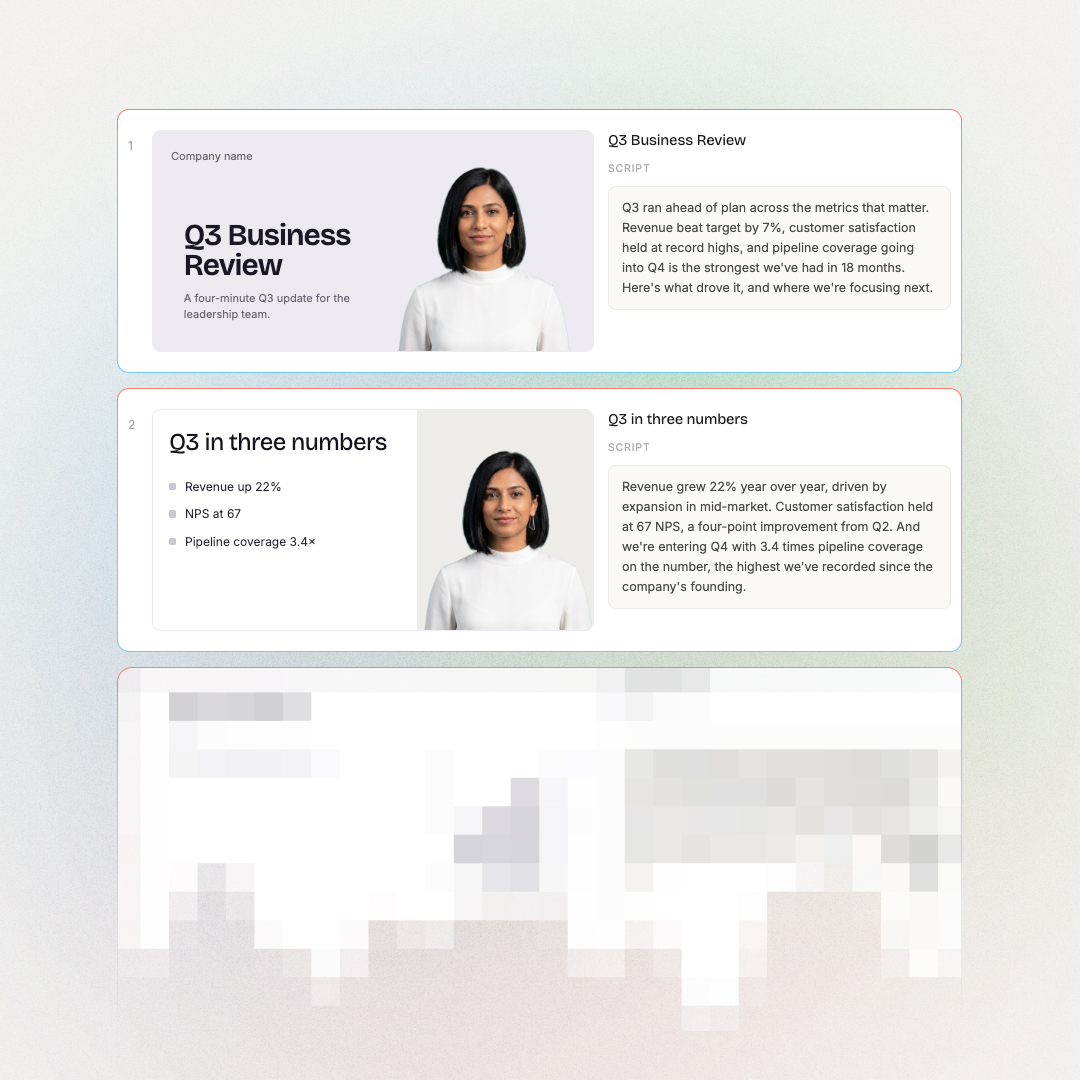
Headings become scene titles. Lists become bullets. Embedded charts and tables land in the scene that references them. Not stock approximations.
240+ avatars or your own voice
Pick from a library of presenters or clone your own voice. Swap presenters at the scene level so different scenes can feature different faces.
100+ languages, lip-synced
Translate the plan before render, no double work. The agent reads the document in its original language and translates the plan.
Ship to your LMS
Render as MP4 up to 1080p, export to SCORM or xAPI for LMS upload, download captions as SRT or VTT, or share via a hosted link.
Brand kit applied automatically
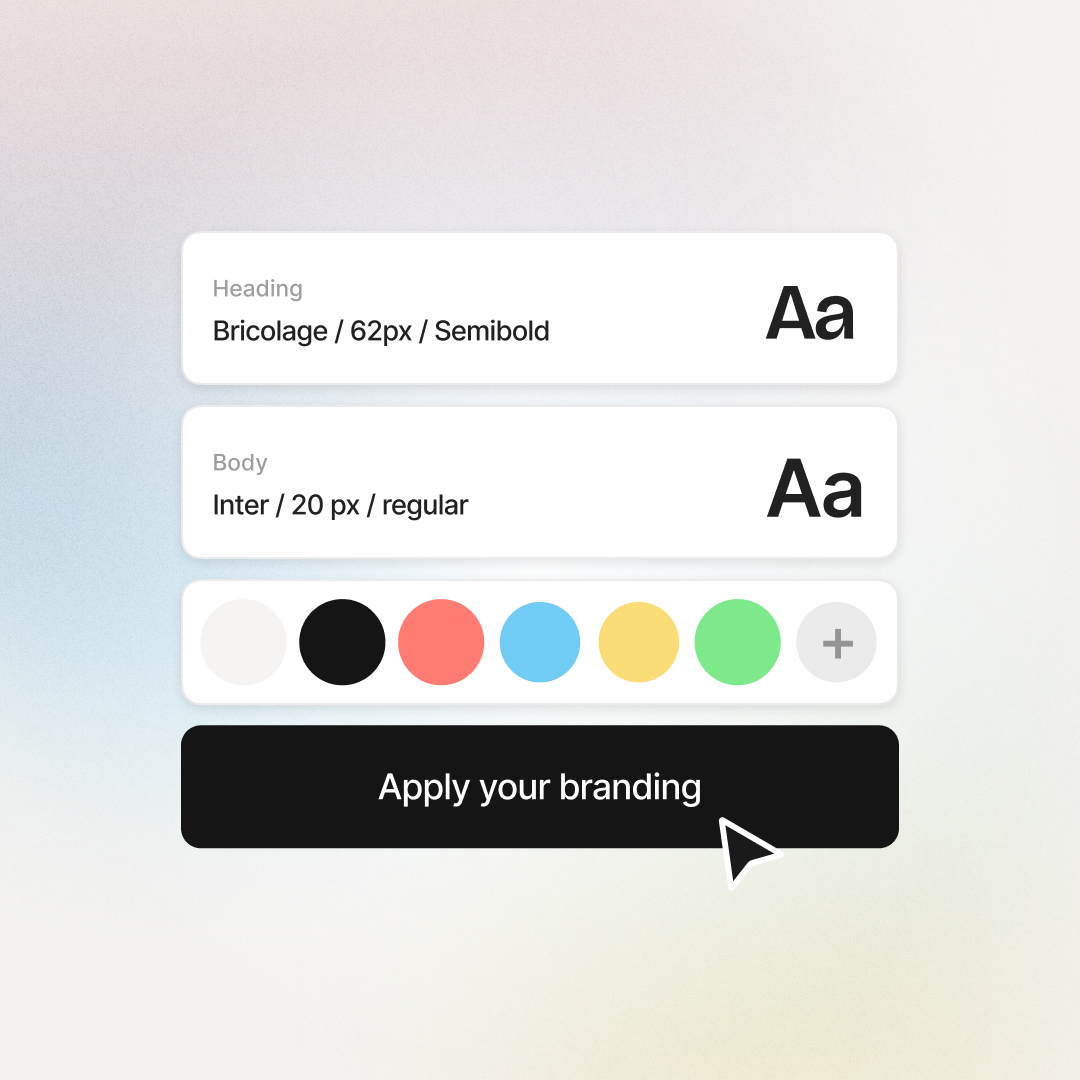
Your fonts, colours, and logos carry into every scene by default. Nothing leaves looking off-brand.
Audit trail for every scene
Every scene tags the source paragraph it came from. Click any scene to highlight the source on the document. Audit-friendly for compliance review.
When the source changes, the plan changes with it.
Soon the agent will re-read any source after rendering, flag what changed, and let you decide which scenes to regenerate.
The training teams already shipping AI videos rate us 4.6 on G2.



Training content that never goes obsolete
The ease of content update and cost savings are remarkable. Colossyan's AI technology and its translation capabilities have revolutionized our training processes, especially in a multi-lingual environment like ours.

Cutting-edge AI for new hire training
The AI technology they've built into their software is truly cutting-edge and has significantly improved our new hire training program productivity.

Like extending our team
Working with Colossyan feels like we have extended our team. The ease of using Colossyan Creator to create engaging learning materials has been a game changer.

90% video production cost reduction
With Colossyan, we were able to cut around 90% of our video production costs. We chose Colossyan because we liked their company culture and the quality of their product.

We Have Partnered With Colossyan!
Colossyan Creator is a cost-effective, user-friendly tool that allows our global team to produce interactive, multilingual training videos in just minutes. While there is a minor initial learning curve, the platform's ability to scale professional content across 80+ languages has made it an essential partner for our enterprise.

Frequently asked questions
Everything you need to know about turning a document into a video.
Drop your document into the Colossyan AI Video Generator. The agent reads structure (headings, sections, lists), drafts a scene-by-scene plan with citations back to the source section, and waits for approval. Edit at the scene level, then render as MP4 with AI avatars, voiceovers, and your brand kit. Word, PDF, PowerPoint, Google Doc, Notion, and plain text all work.
ChatGPT can write a script, but it cannot generate a finished training video on its own. Colossyan converts document text into a scene plan with citations, then renders with AI avatars, voiceovers, brand kit, and SCORM export. Pair ChatGPT for early drafting if you like; Colossyan is the tool that turns the draft into a video you can ship to your team.
Free tools that convert documents to video are limited to a few minutes of output with watermarks. Colossyan offers a free tier that includes full document upload, the scene plan editor, AI avatars, and your brand kit, with no watermark. Paid plans unlock SCORM export, longer videos, and team collaboration. See pricing for what each plan includes.
Upload the document, approve the agent's extraction pass, edit the scene plan, then render. Total time for a 10-page training document is about five to ten minutes for first draft, plus your review time. The result is a finished training video with avatars, narration, brand styling, and source citations on every scene.
Word (.docx, .doc), PDF (text-based), PowerPoint (.pptx), Google Docs (export to PDF or paste), Notion (export or paste), Confluence (paste or export), SharePoint and OneDrive (integration or upload), plain text (.txt, .md). Scanned PDFs work too: Cora runs OCR automatically before drafting. Password-protected files need to be unlocked before upload.
The plan stores the document version it was drafted from. A live re-read capability is on the roadmap. The agent will show you what changed since the last draft and which scenes need updating. Until that ships, you can re-upload the updated document anytime to get a fresh plan that preserves the structure of the previous draft.
Yes. Every scene in the plan carries a citation chip showing the document section (heading, paragraph, list) it came from. Click any scene to highlight the source on the document. Audit-friendly for compliance review.
Yes. Choose from 240+ AI presenters or clone your own voice. The agent narrates your script using the avatar and voice you pick. You can swap presenters at the scene level, so different scenes can feature different presenters in the same video.
Yes. The plan translates into 100+ languages with lip-synced narration. The plan structure carries across languages, so you do not re-script for each market. Source documents in any language work; the agent reads the document in its original language and translates the plan.
Yes. Approved plans render as MP4 files up to 1080p. You can also export to SCORM or xAPI for LMS upload, download captions as SRT or VTT, or share via a hosted link. The plan itself supports collaboration and version control.
Yes. Colossyan is SOC 2 Type II and GDPR compliant. Uploaded documents stay in your workspace. We do not train models on customer content. Every scene cites the source paragraph, so the audit trail is built in. See the security page for details.
Cora is the agentic engine inside Colossyan. The AI Video Generator is the feature you interact with; Cora is what reads your document, drafts the scenes, and assembles the plan. You direct the work and approve each step. See the full Cora launch page for more.
Start from the right source.
Cora handles all of these, but each format has its own page.




Want the bigger picture? See the full AI Video Generator.

Direct your next training video. Don't just generate it.
Drop in any document. Approve every scene. Render the version you approved. For L&D teams that need audit trails, not just AI narration.